Duration 15 days approx.
These courses are being updated with artificial intelligence. We try to stay at the front of what AI can do: the tools change, and the syllabus is revised so that what you learn still holds when you publish.
Added to the cart. See the final price.
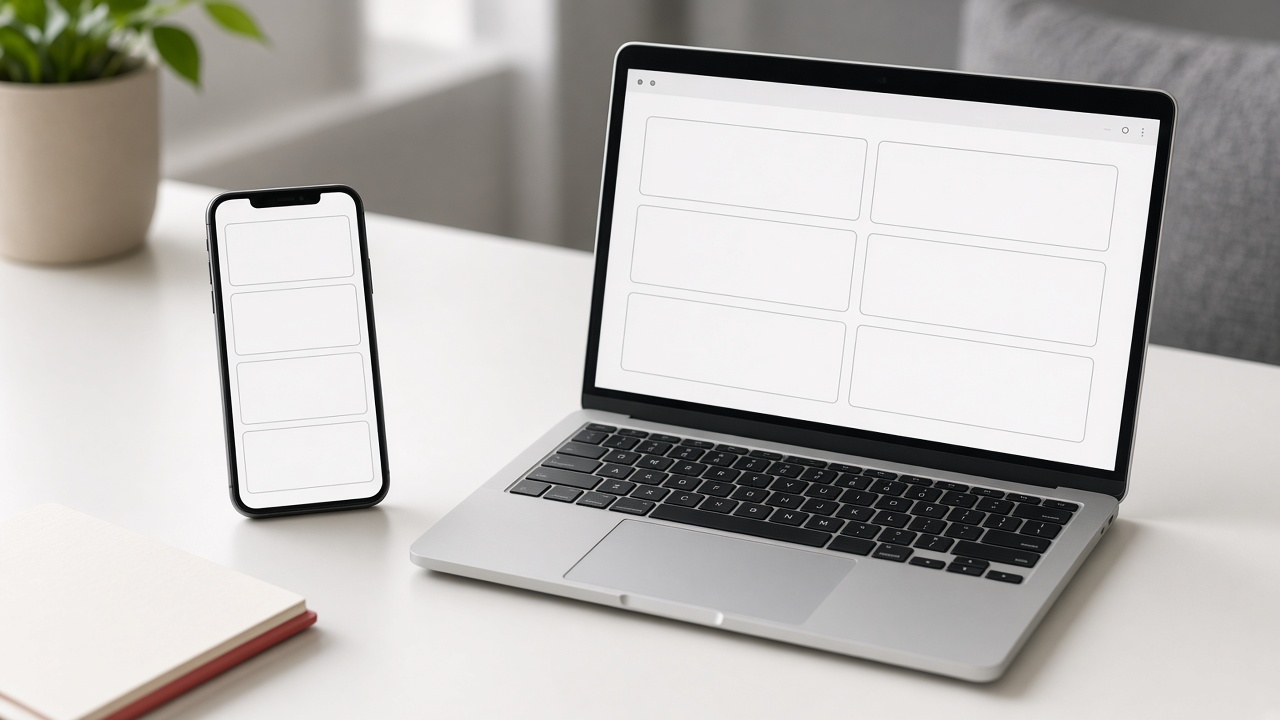
Retícula teaches you to lay out a website so it can be used on a phone, which is where most visits arrive. The course does not start on the desktop and then “adapt”. It starts from the narrow width: what fits, what stacks, what is hidden and what has to stay one tap away. A grid here is not a column decoration. It is the decision of how many blocks there are, in which order they are read, and how they change when the screen gets wider.
The work uses modern, measurable CSS. One column on the phone, two or three from a chosen width, with equal gaps and no text stuck to the edge. Media queries are used, or a grid that rearranges itself, and the result is checked at real widths: 360, 390, 768 and the desktop. Horizontal overflow is looked for. It usually comes from an image with no limit, a button that is too long, or a negative margin. Side padding is corrected so no paragraph starts at the edge of the screen. The menu opens and closes, and an internal link does not leave it covering the content.
Controls are designed for a finger. A link or a checkbox that is too small gets missed. Enough height is left, with space between things that can be tapped, and a visible focus state, because not everyone uses a mouse. Forms are checked in a vertical order: label, field, error. The phone keyboard must not cover the send button without a way to reach it. Images are served at a size that fits the gap, with a proportion that does not jump when they load, and with alternative text that does not disappear when the columns change.
Reading order is settled too. On a phone, the first thing in view has to be what the visitor came for: the service, the place, or the way to get in touch. A carousel that fills the first screen, a video that plays by itself, or a notice that covers the title is questioned. You practise cutting. If a block does not fit without endless scrolling and answers no question, it moves down or it goes. On a desktop the same information can sit in columns, but the reading order of the code stays the mobile order, so a screen reader does not meet the footer before the content.
In a week you leave a page that reads well on a phone, with margins, readable type and a menu that closes. In fifteen days several templates are laid out — home, a service page and contact — on the same grid. In a month a site that is already published is reviewed: widths are measured, overflows are fixed and the breakpoints are written down. Retícula does not cover native apps or complex animation. It covers the craft of making the same website usable on the screen people carry in a pocket, without a separate mobile version that gets abandoned.
 Español
 English